

If you, like many today, are newly working from home with your MacBook, MacBook Air, or MacBook Pro due to the COVID-19 pandemic, you’ll likely get good use out of these tips to help you make better use of your MacBook’s display space.

When you work you often need lots of different application windows open. You may also need dedicated workspaces for what you’re doing, and even if you are using an external display as well as your Mac notebook, you may still want to optimize the amount of actual usable desktop space you get to use.
Your Mac lets you Split the display between two applications. This is such a great tool when researching, data inputting or otherwise trying to avoid constant and repetitive switching between applications. It lets you stay in the same window, and lets you work between two apps in an incredibly focused way… Spit Screen is super useful, but gets even more handy when you use it with… Spaces.
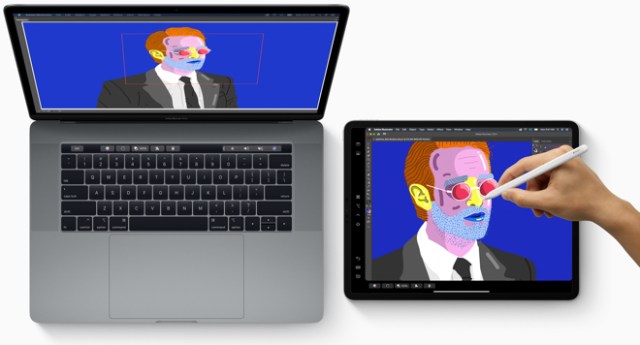
If you have an iPad and are running macOS Catalina you can set your iPad up to work as a second connected Mac monitor thanks to Sidecar mode…
MacDailyNews Take: Simple explanations for all of the ways you can make better use of your MacBook display space are included in Jonny’s full article. Maximize your usable, viewable space!